Tilt shift miniature effects, full composites, depth and
parallax from flat photos, gentle motion from stills, sky and background swaps,
retouching and painted styles. A few examples of what we can do with the photos
you already have, with before and afters for comparison.
Image
By the Natiive team•23 May 2026•5 min read
Many businesses have more usable images than they think. Old product shots, team
photos, drone footage from two summers ago, the render the architect sent before the
build, the phone photo the owner took on opening day. Almost any shot can be used
in some form or another to create a style that suits your business.
So this is a small sample of what can be done with what you've got. Most of it starts from one
photo and ends somewhere you wouldn't guess from looking at the original.
The miniature look
Tilt shift makes a normal full size photo look like a tabletop model. It's a band of
blur above and below the focal plane, punchier colour, and sometimes a bit of lens
distortion. Cityscapes, crowds, harbours, traffic and anything shot from height take to
it immediately.
OriginalTilt shift
The Royal Botanic Gardens in Sydney from above. It works best on wide busy scenes shot from a height, because
your brain reads the narrow band of focus as "this thing is small".
OriginalTilt shift
The bathing boxes at Brighton Beach in Melbourne.
Same treatment at ground level: sharp strip through the middle, blurred edges,
strong colour, and a straight photo turns into a toy town.
Composites
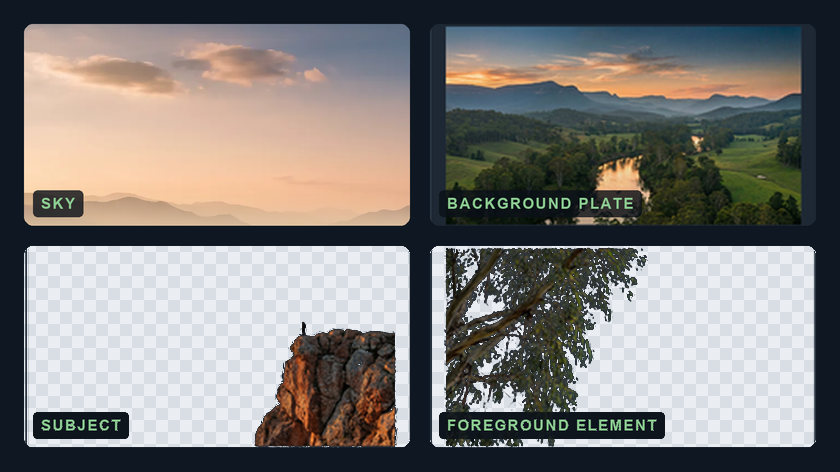
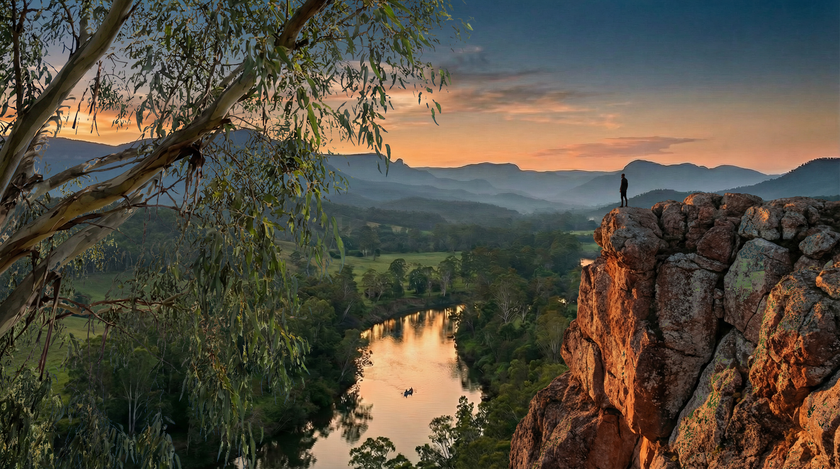
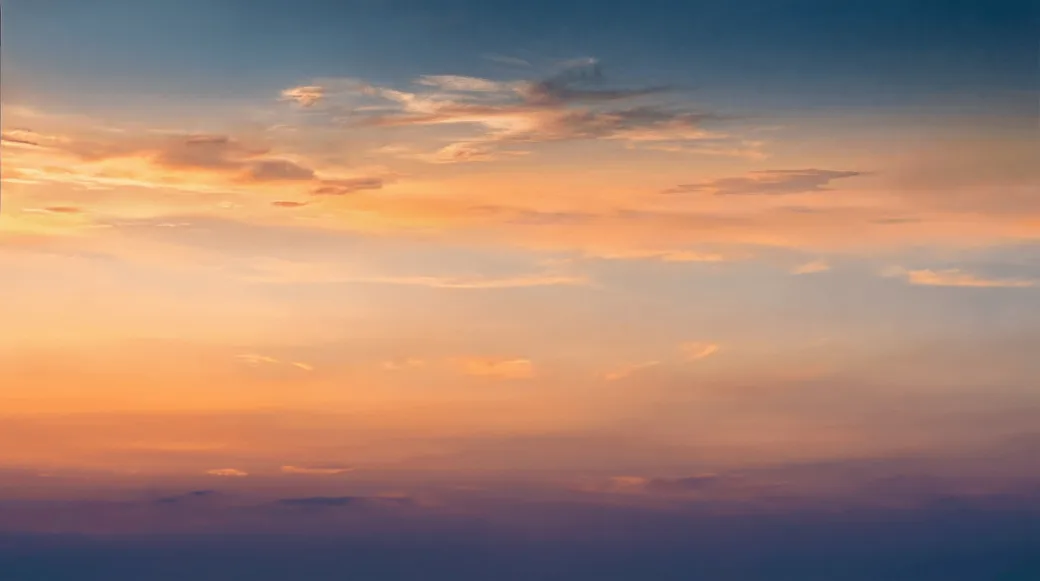
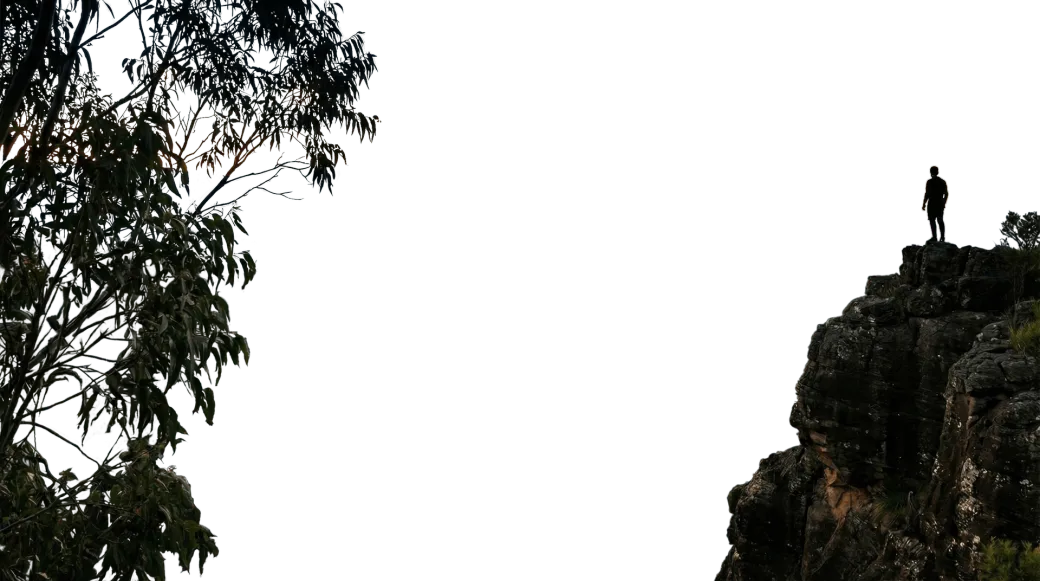
A composite combines several sources into one believable image (a photographed product, a 3D backdrop, an AI sky, a photographed model). We use them when the real
shoot would be impossible, impractical or just too expensive. A product somewhere it
has never physically been. A campaign image needing three products that don't exist
yet. A hero shot of a venue that won't be finished for six months.
Sources
Composite
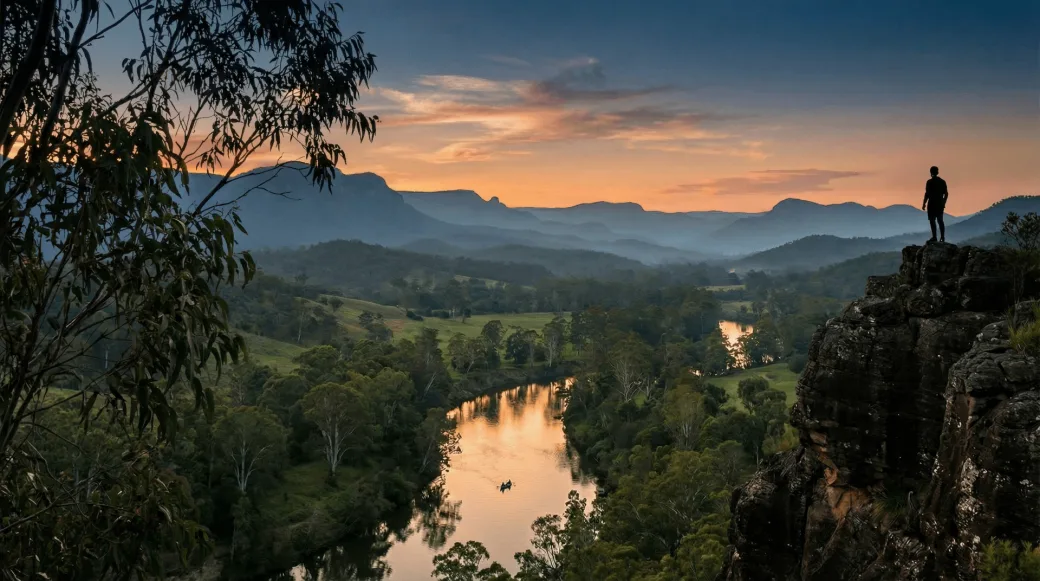
The individual pieces are nothing special. The work is in matching them up (exposure, shadow direction, colour temperature, grain) until you
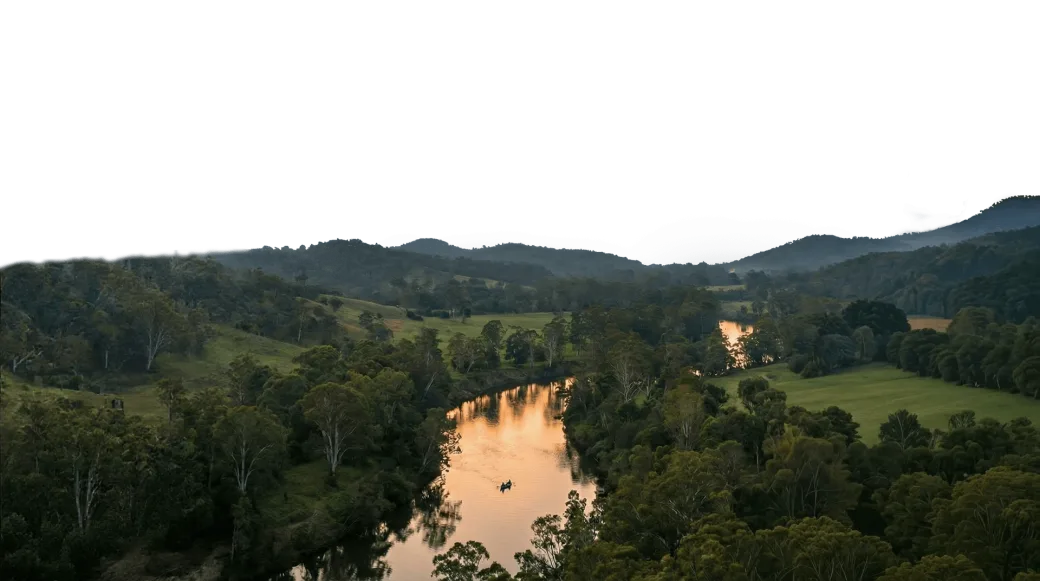
stop seeing the joins. The sunset valley in the parallax and video examples
further down was built the same way.
Depth from one image
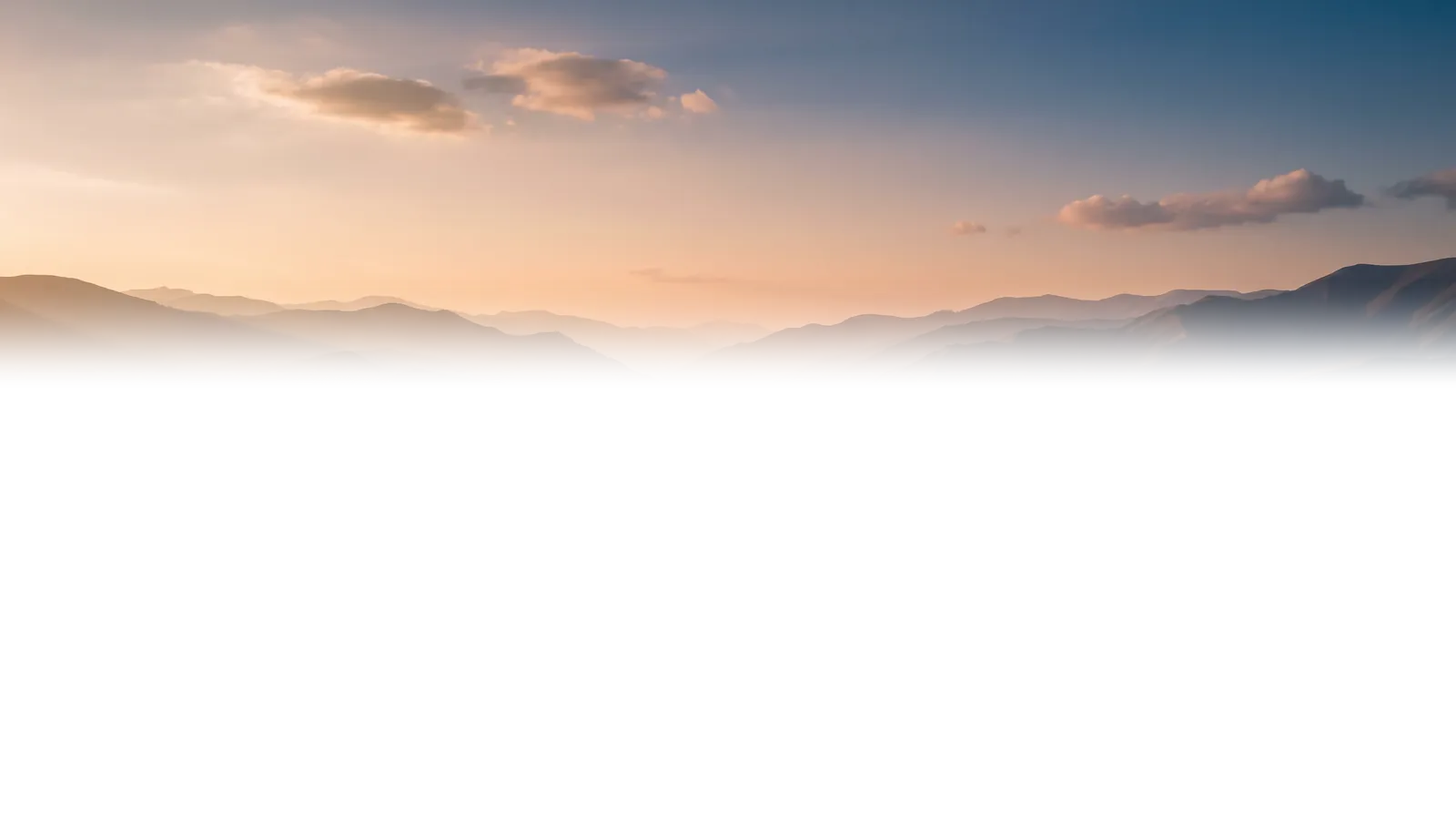
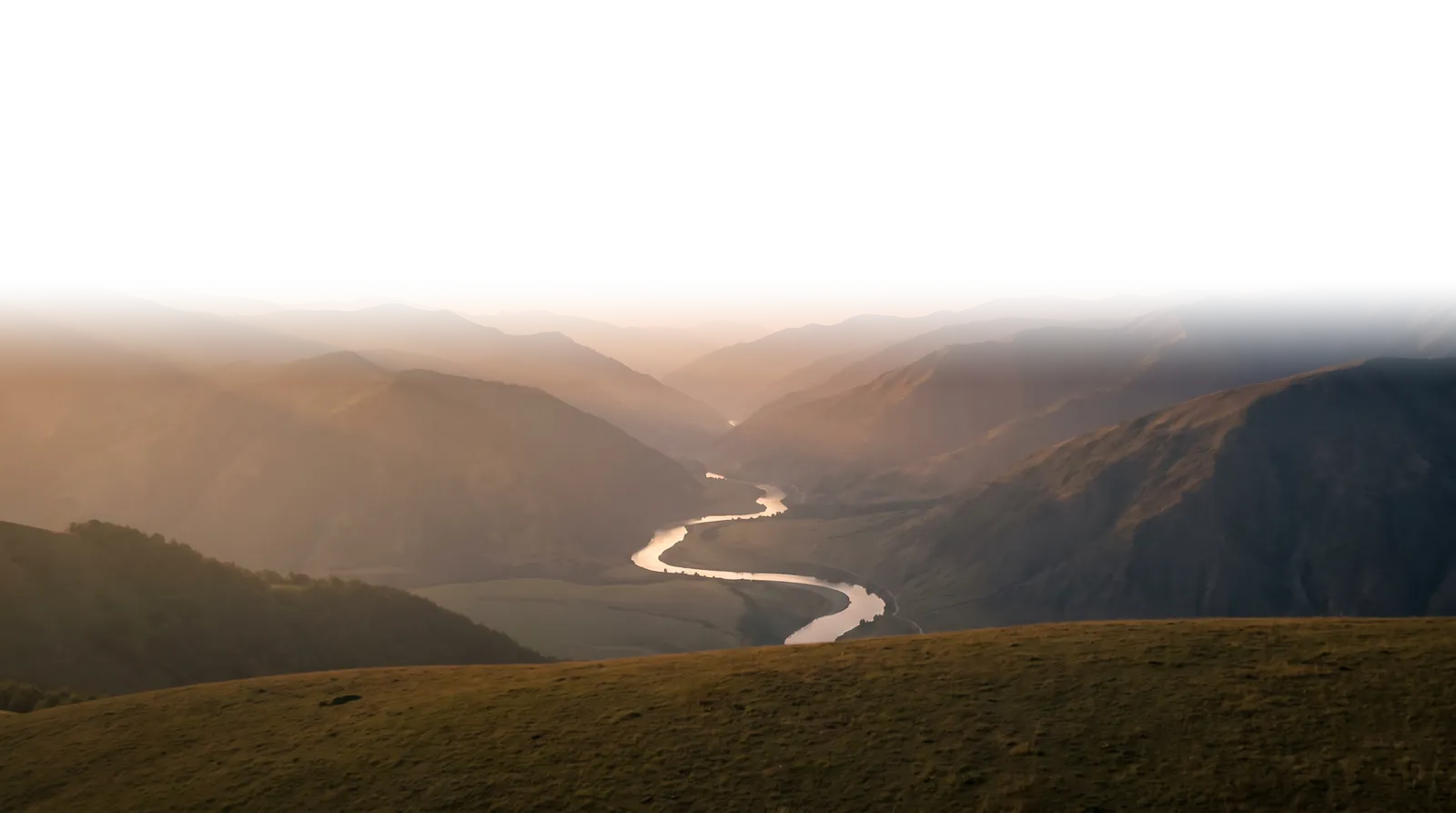
Parallax splits a flat image into foreground, midground and background, then moves
each at a different speed as you scroll or move the cursor. It's a small effect but it
does a lot of work. A hero banner with depth feels considerably less flat than a
static image. Scroll through the example below.
Scroll Driven Parallax
Depth you scroll into
One flat landscape, split into layers that each move at
their own speed.
Scroll
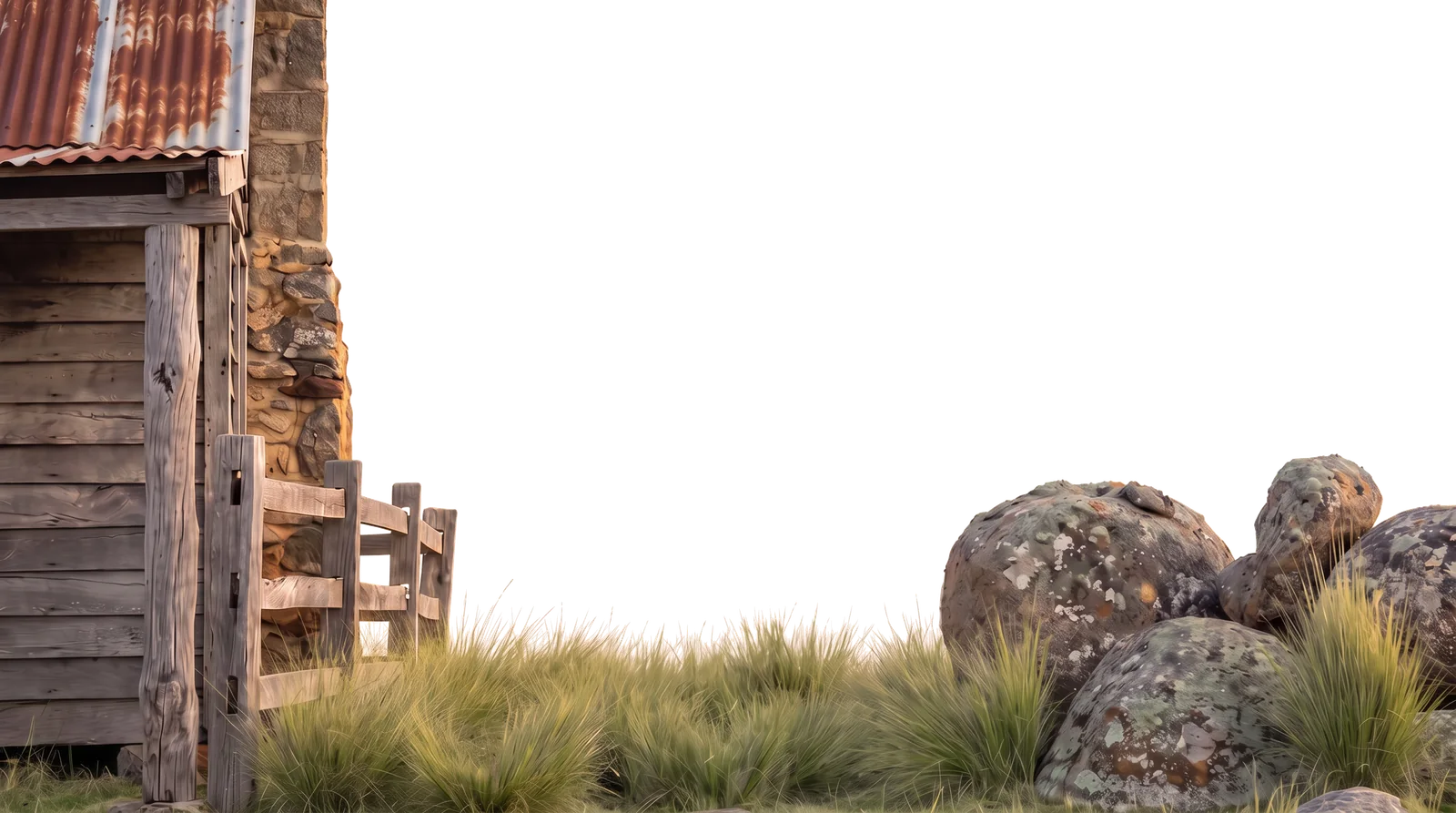
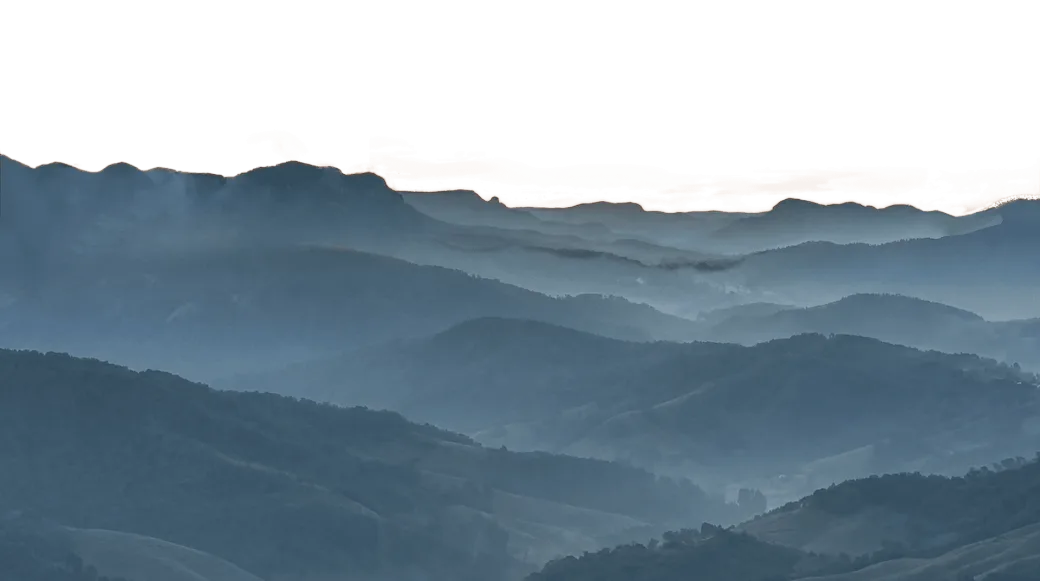
Parallax can follow the cursor too. Here's the sunset valley from the composites
section, split into four layers: sky, mountains, valley and foreground.
Original: one flat image
Parallax: four live layers
Move your mouse over the image on the right, or drag a
finger across it on a phone, and the four layers move at different speeds.
Turning stills into video
AI video models can now generate believable motion from a single still. Water rippling, hair moving, leaves swaying,
someone breathing. Used lightly it turns a hero photo into a hero video for social,
landing pages and ads, with no film crew required.
The same valley from the parallax demo, one step further along. The
still became layered parallax, and then an AI video model turned it into a slow
drone move. Composite, to parallax, to video, and a lot cheaper than sending up
an actual drone.
Nearly all of this starts from a photo you've already got.
Retouching, cleanup and relighting
Got an image that needs touching up to remove graffiti or distracting signage? Rubbish
bins on the nature strip spoiling a good shot? Almost any shot can be touched up for
viewing online.
As suppliedRetouched
A frontage the owner can actually use. Graffiti and skip bin gone,
walls clean, car park tidy.
Whatever you need, we can build it. Golden hour, storm
light, blue hour city glow, a clean studio backdrop behind a headshot, a season that
didn't happen on the day. If the subject is good, everything around it is fixable.
OriginalGolden hour
Same balloon, same city. One under flat midday light, one rebuilt for
golden hour.
Create your own style
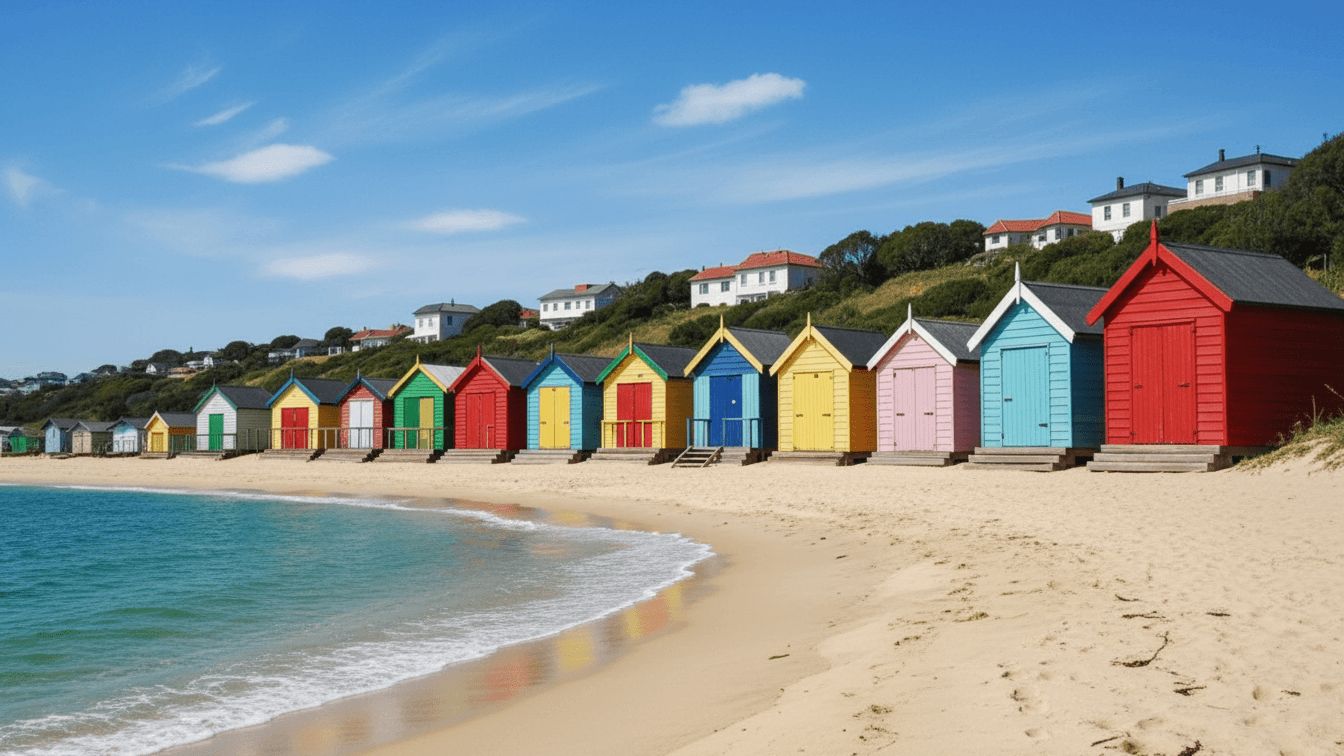
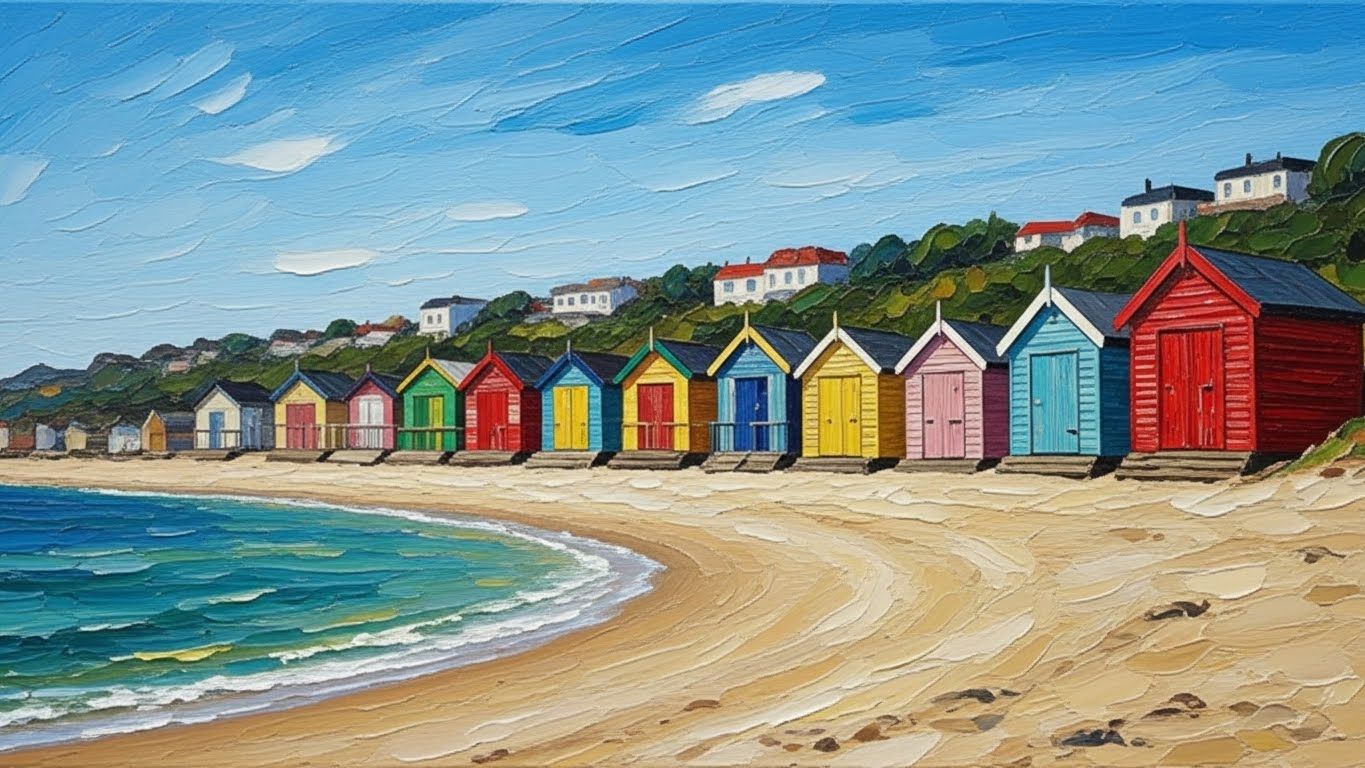
If you are looking for a bit of difference, turn your photos into paintings. This beach scene became an
oil painting, with the same huts, sand and water now built from heavy strokes of
paint. Once a style is set, it can be applied to every other image on the site, so
photos from different shoots, phones and stock libraries all end up looking like
they belong together.
There are many styles to model from. Oil, watercolour, gouache, pencil sketch, ink
and wash, vintage travel poster, flat illustration and more. Pick
a style that suits the feel of your business, and use it appropriately. A relaxed coastal
café might suit loose watercolour, a gallery or winery rich oils, a playful brand a
bold poster style. Make consistency part of your brand.
OriginalOil painting
The beach image turned into a palette knife oil painting.
Every hut is still in place, just rebuilt in paint.
And because it's still an image, the painting can be brought to life like any other
image.
Photo, to painting, to moving painting. A short loop like this makes a
striking hero banner or social post that people will remember over a stock image.
Send us a small batch (old product shots, drone footage, event photos, a folder of
headshots). We'll pick the ones worth working on and come back with a sample of what can
be done with them.