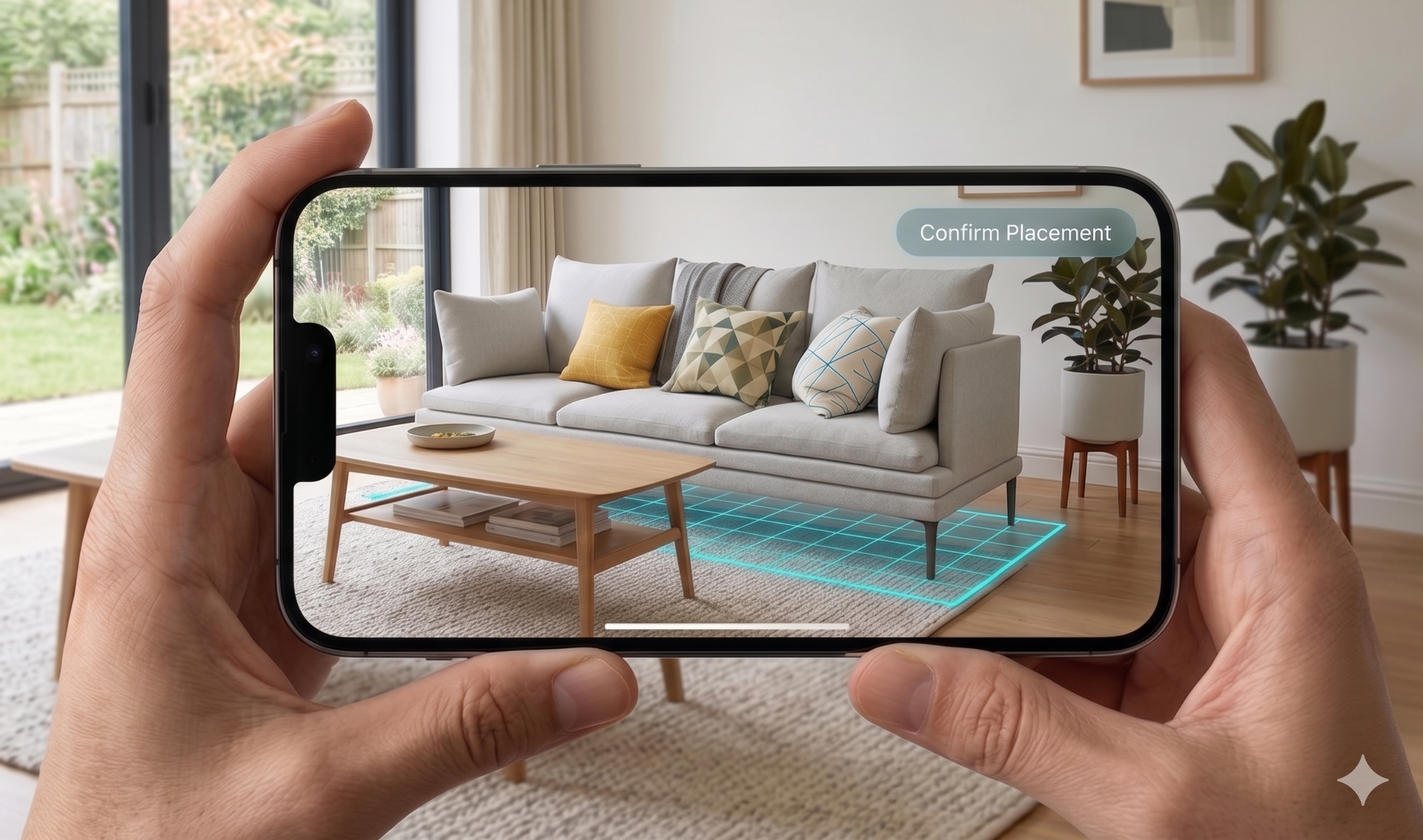
Let someone point their phone at the desk in front of
them and see your product sitting on it. Nothing to download. Here's what web AR
does, when it's worth the money, and how it's built.
AR
By the Natiive team•23 May 2026•7 min read
A few years ago, putting AR on your website meant asking customers to download an app,
make an account, find the product again in a separate catalogue, and then point their
camera at the floor. Almost nobody got to the end of that. AR sat in the "clever, but
not for us" pile for a long time, and fairly so.
That's changed. Every current phone has AR built into the browser (ARKit on iOS, ARCore on Android) and one button on an ordinary product page can now put your sofa in
someone's lounge room, cushions on the sofa, or your pump on their workshop
floor. There are a couple of examples further down this page if you'd rather see it
than read about it.
The install step went away
The thing that made AR usable for normal businesses wasn't better headsets or a new
framework. It's that you no longer have to install anything. On a current phone AR is a
tap. The whole journey is now:
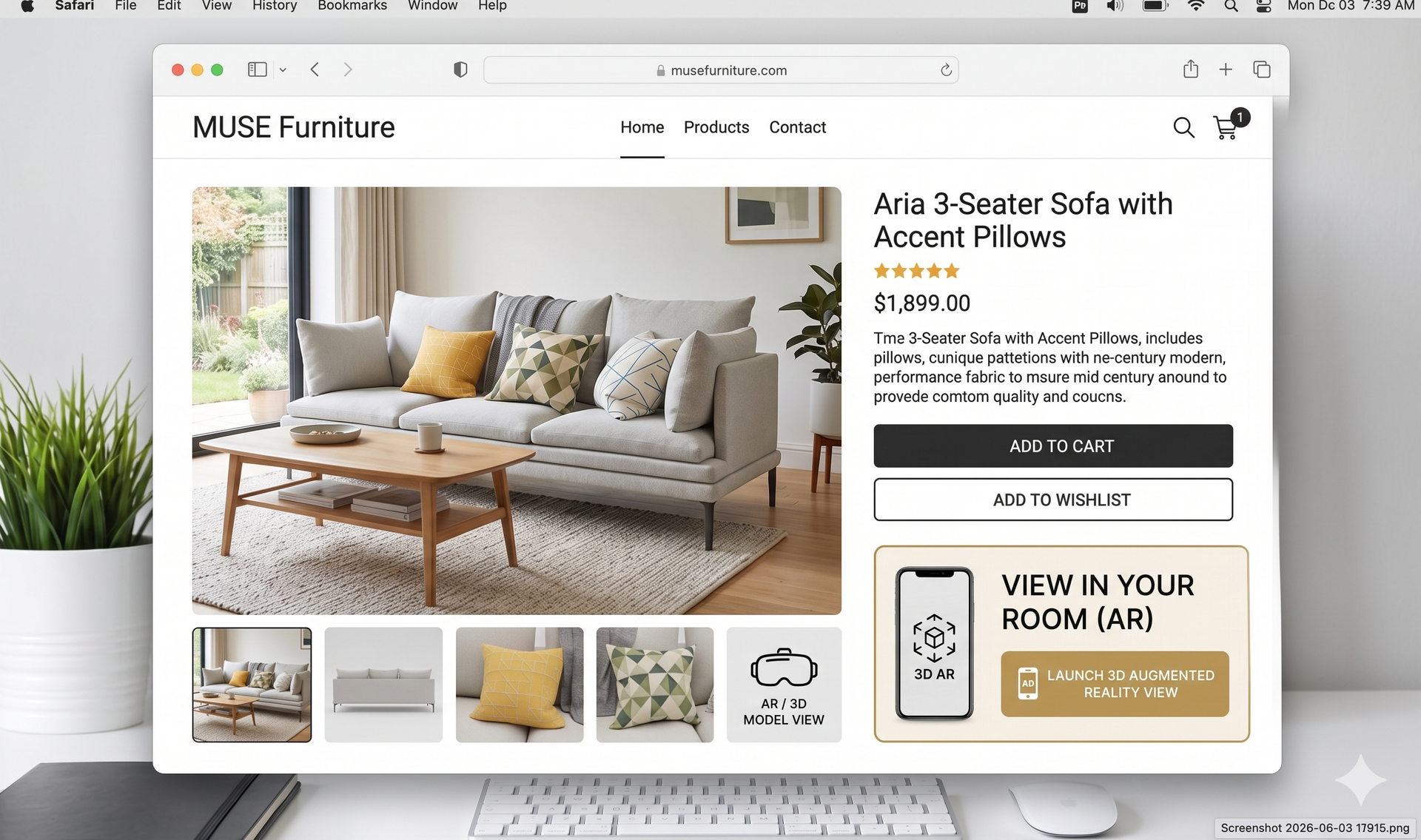
Customer lands on your product page.
Sees a "View in your space" button.
Taps it. Their camera opens.
Your product appears in their room at scale.
That's it. No signup, no second app, no QR code to find. That one change is what
moved AR from a trade show toy to something that shifts conversion on an ordinary
product page.
Have a go
Two real example models, embedded exactly as they'd sit on a product page.
Drag to spin them here. And on a phone, tap the AR icon
to put them in your own room at proper scale.
Furniture: armchair
Furniture: couch
Drag to rotate. On a phone, the AR icon opens
the phone's own AR (Apple Quick Look on iOS, Google Scene Viewer on
Android) from the same single file.
When it's worth doing
Plenty of products don't need it. AR pays for itself when the item is big, expensive,
hard to photograph, or when the buyer's main worry is whether the thing will actually
fit and look good. Categories where it reliably helps:
Furniture and homewares. Sofas, tables, rugs, lighting.
Whether it fits the room is basically the entire decision.
Accessories and fashion. Watches, sunglasses, rings, hats.
Anything worn on a face or a wrist, where photos make it hard to judge size.
Industrial and trade. Pumps, fixtures, machinery. Buyers want
to know it fits in the plant or the yard before they ask for a quote.
Real estate and fit out. Staging furniture in an empty
apartment, or previewing a new kitchen in the existing one.
Education and museums. Letting students or visitors put
artefacts, anatomy models or historical objects in the room with them.
Proper scale is the whole point. A photo can't tell you whether the
thing will fit through your door.
Returns go down and time on page goes up, mostly because
people understand what they're buying before they buy it.
How it works
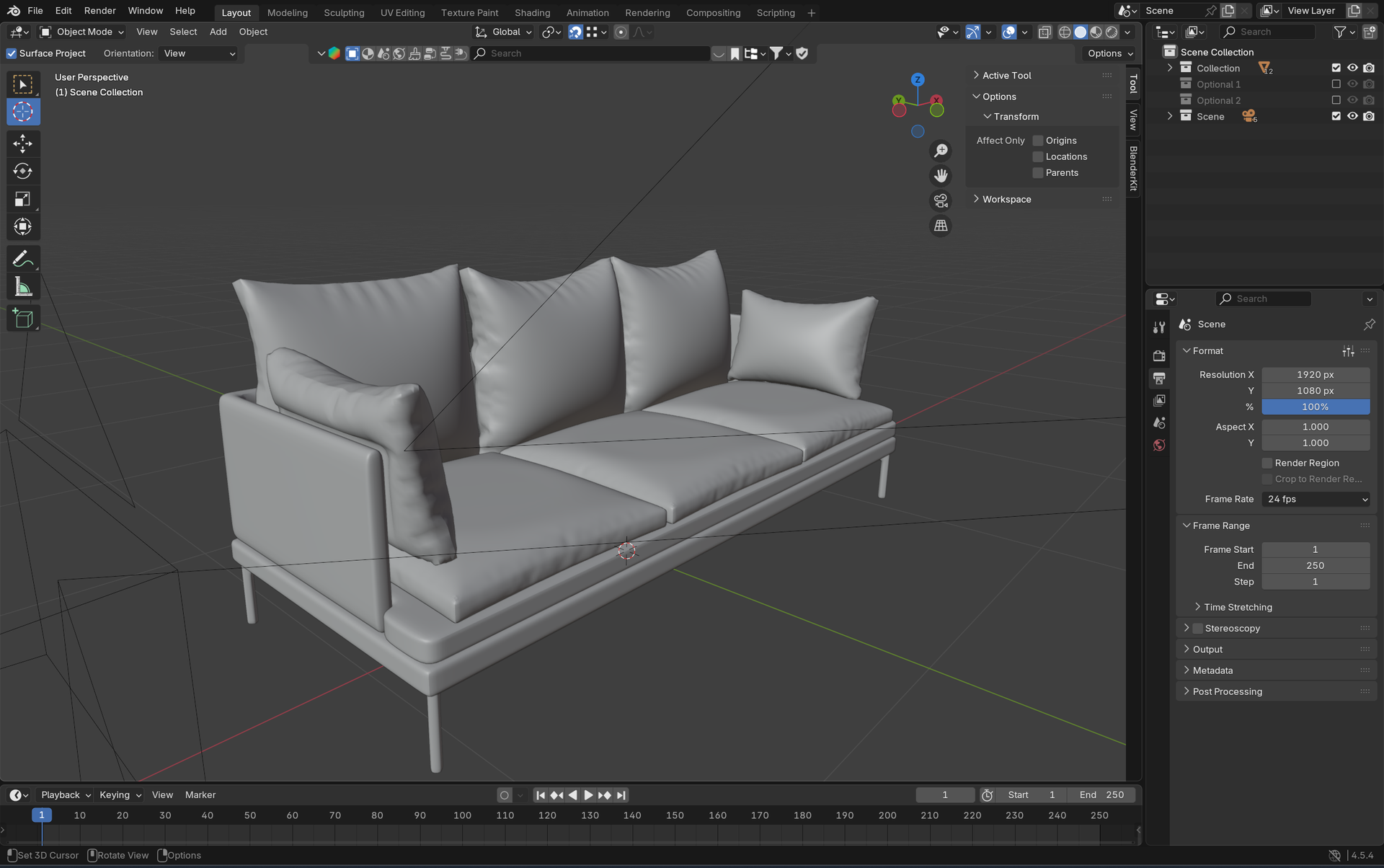
There isn't much behind the button. We build or convert a 3D model of your product
into GLB format, optimise it so it doesn't chew through mobile data or battery, and
embed a viewer on the page. Visitors can spin and zoom it in 3D, and the "View in your
space" button hands off to the phone's own AR. Quick Look on iOS, Scene Viewer on
Android, using the same model. One file for both platforms.
One optimised .glb file does both jobs: the 3D spin on the page and
the full room placement on a phone.
What we need from you
Depends what you've already got:
You have CAD or 3D files. Furniture, industrial,
architectural. We convert them, retopologise where it's needed, bake the textures,
optimise for mobile and hand back the .glb plus the page embed.
You only have photos. For a lot of categories we can build a
decent model from photo references, or organise a quick photogrammetry scan.
You can lend us the actual product. We'll scan it in the
studio and post it back.
After that it's the usual optimisation work: compressing the geometry, baking lighting
where it helps, generating mobile friendly LODs. Then we drop the viewer into your
existing product template with your branding on it. What you end up with is small: one
<model-viewer> tag, one .glb file, and a button styled to match the
rest of your site.
Once the model exists it works on every product page, social ad,
email and trade show iPad, for as long as you sell the thing.
What it does to the numbers
Three things, broadly:
Better conversion. Product pages with AR tend to beat
photo only pages, especially on things people think hard about before buying.
Shopify and other platform studies have put the lift as high as 80–95% in
categories where physical fit is the question.
Fewer returns. If someone has already seen it at proper scale
in their own room, "it didn't look like that in real life" stops being a reason to
send it back. Reductions of 20–40% get reported in furniture and apparel.
People stay longer. Visitors spend noticeably more time on
pages with 3D and AR on them, and remember the brand better afterwards. Worth
something for premium positioning even when it doesn't close a sale.
It's also the sort of thing that gets more valuable as it spreads. Once buyers in your
category are used to it, the sites without it start to look underdone, the way a site
with no product photos would look now.
Want to see what your product would look like in AR?
The modelling is the cost. Running it costs almost nothing once
the model exists, but building the model is real work. We scope it per product and
we'll tell you if a category isn't worth it yet.
Materials matter. A grey plastic version of your sofa won't
convince anyone. Fabric, wood and metal all need proper texture work or the AR
moment falls flat.
Plenty of products don't need it. A T-shirt, a pen, an ebook are
all fine without. Spend the budget on the items where "will this fit" is the thing
actually holding the buyer back.
If you want to know whether it's worth it for your products, the quickest way is a
ten minute call. Show us what you sell and we'll give you a straight answer.
Put your products in your customers' rooms
Send us what you're selling and a quick brief. We'll come back with a scope, a view on
which products are worth modelling first, and a working AR demo of one of them so you
can try it before committing.